
Home / Features / Complete Control Over Every Action, User, and Outlet.
Micro-Level Governance • Secure Hierarchy • Multi-Outlet
Complete Control Over Every Action, User, and Outlet.
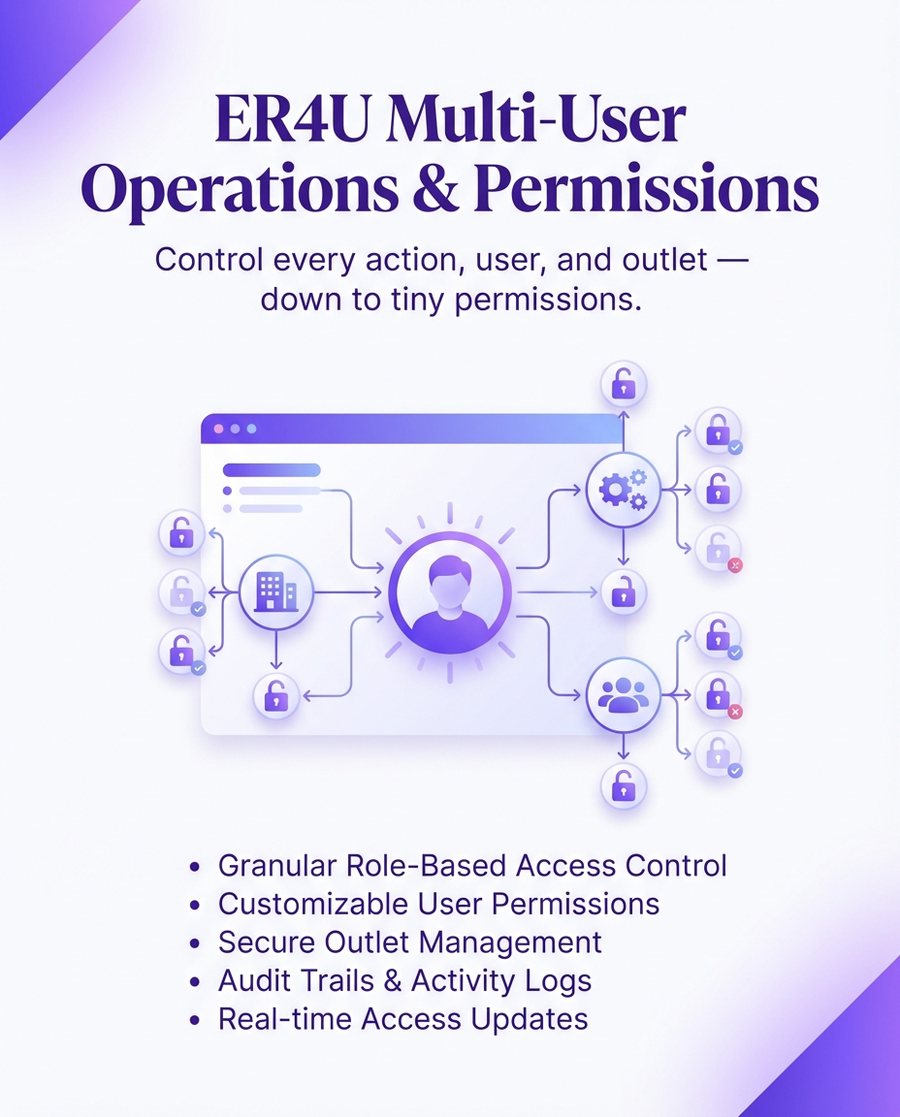
Secure your retail business with granular permissions, role-based access, and total operational accountability across 1 to 100+ stores.
● Role-Based Security ● Anti-Theft Controls ● Multi-Outlet Management
Why er4u Complete Control Over Every Action, User, and Outlet.?
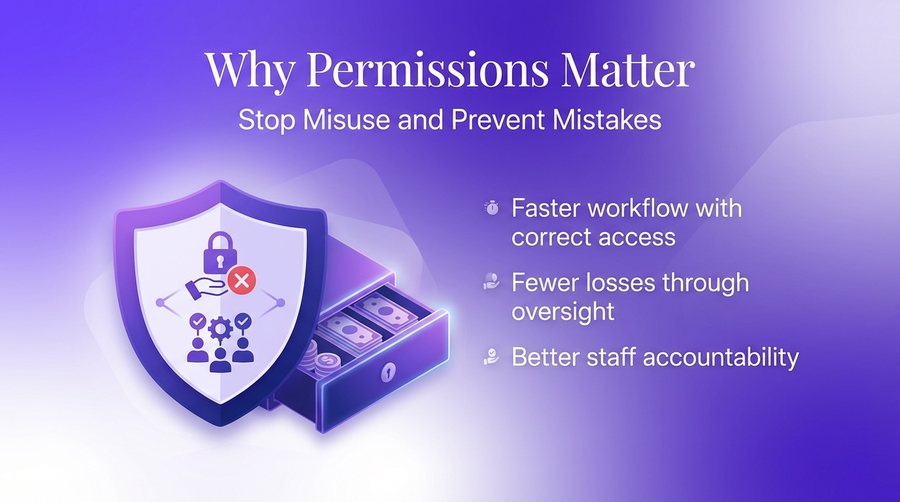
Why you need granular user permissions
A structured permission system ensures employees only access what they need, reducing financial risk and operational friction.
- Eliminate unauthorized discounts
- Stop silent stock manipulation
- Prevent back-dated entry fraud
- Protect sensitive purchase costs
- Ensure data accountability
Complete Control Over Every Action, User, and Outlet. at a glance
Multi-Level Access
Defined levels for Super Admin, Outlet Admin, and staff users.
Edit Day Limits
Lock past data to prevent modification of old records.
Purchase Price Protection
Hide sensitive landing costs from sales and counter staff.
Micro Billing Controls
Restrict discounts, price edits, and tender changes at POS.
Stock Movement Security
Control who can initiate and receive inter-branch transfers.
Audit-Ready Logs
Every action is tracked for complete operational transparency.
Ready to get started?
See how er4u Complete Control Over Every Action, User, and Outlet. fits your business.
Complete Control Over Every Action, User, and Outlet. capabilities
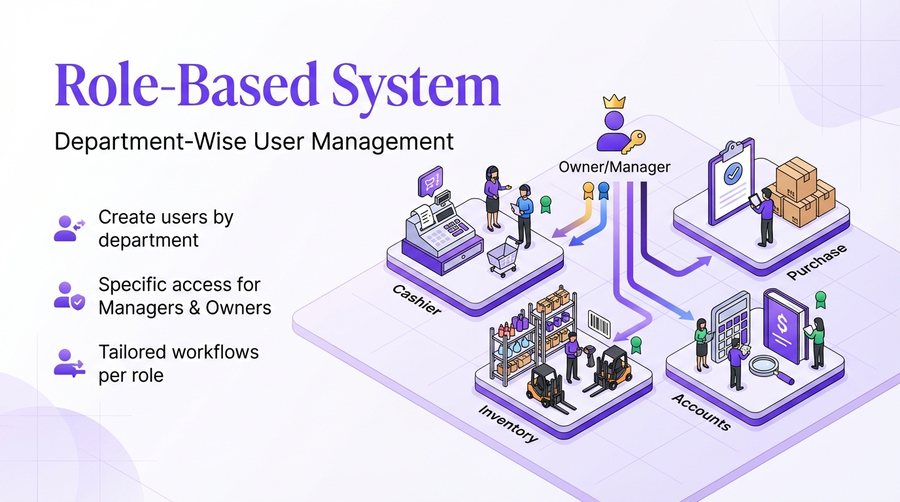
Role-Based System
Users are organized into department-wise roles for streamlined operations.
- Cashier and Purchase roles
- Inventory and Accounts roles
- Manager and Owner access
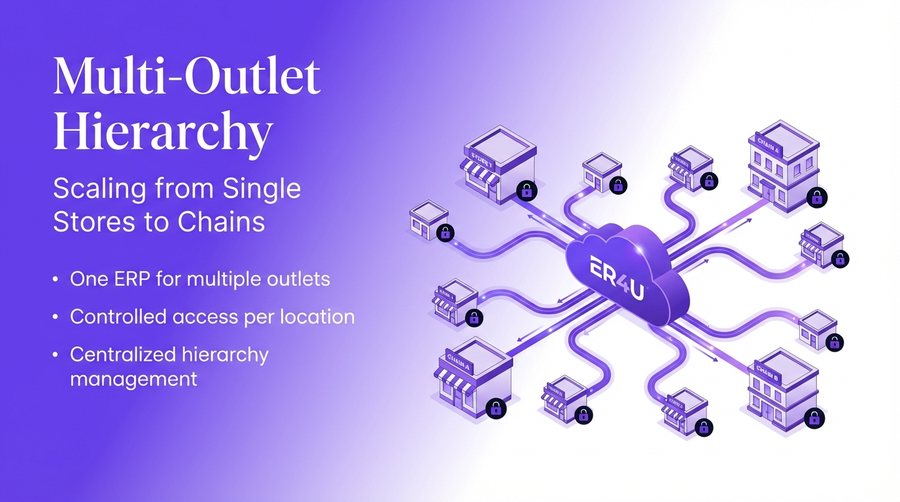
Multi-Outlet Hierarchy
The system is designed to manage both single stores and large retail chains.
- Centralized store management
- Chain store scalability
- Individual access keys
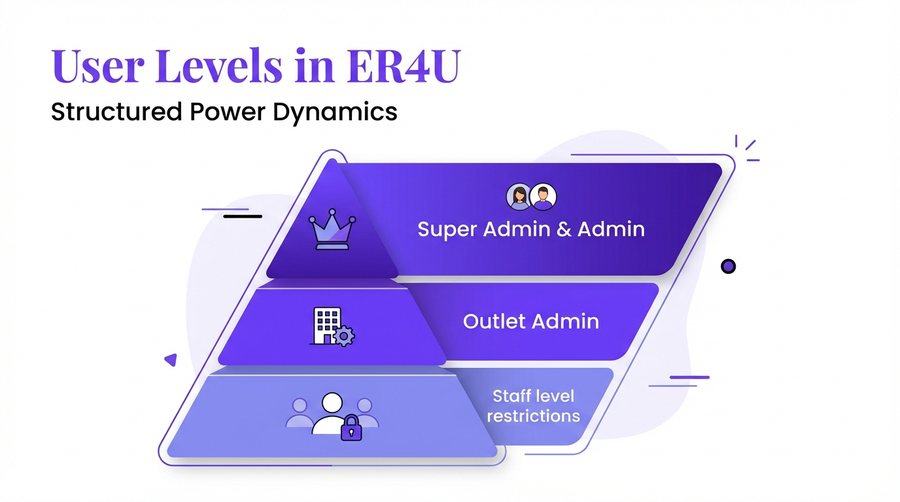
User Levels in ER4U
A structured hierarchy defines exactly who controls which parts of the system.
- Super Admin access
- Admin and Outlet Admin
- General Staff users
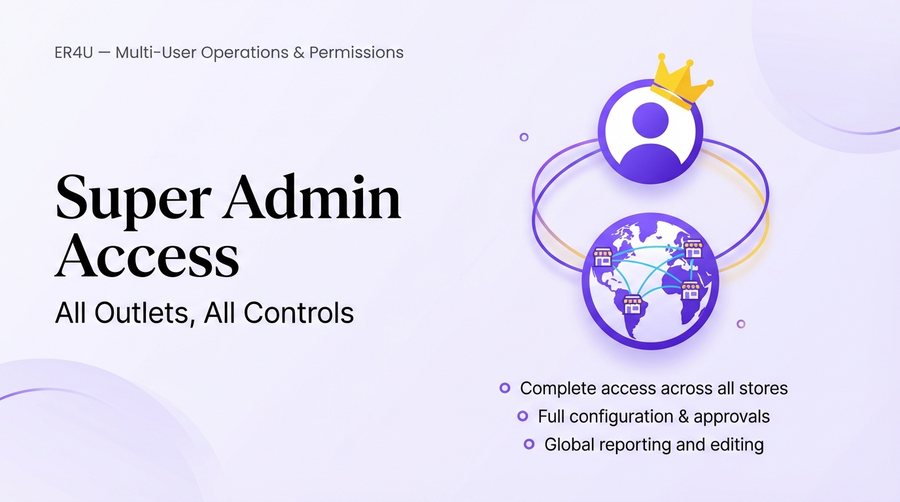
Super Admin
Provides master access to all outlets and all system configurations.
- View and edit all reports
- Full configuration control
- Cross-store approvals
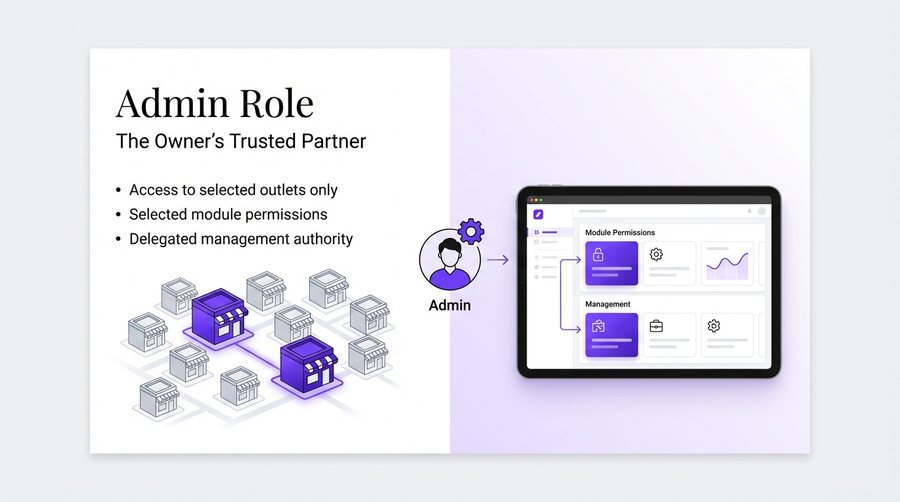
Admin
Restricts management to specific outlets and selected functional modules.
- Selected outlet access
- Module-specific management
- Restricted system settings
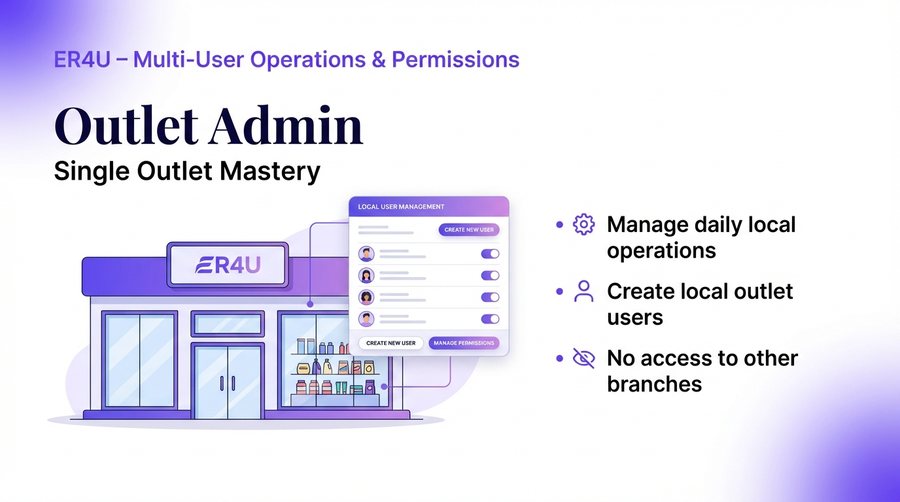
Outlet Admin
Grants management rights for a single outlet, including local user creation.
- Single outlet access only
- Local user management
- Daily operations control
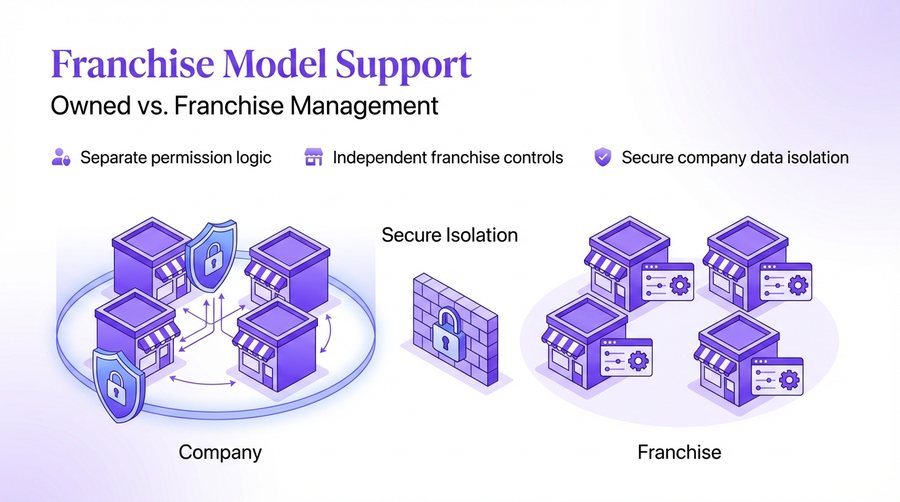
Franchise Model Support
Support for a mix of company-owned and independently operated franchise outlets.
- Owned outlet management
- Franchise outlet integration
- Separate control panels
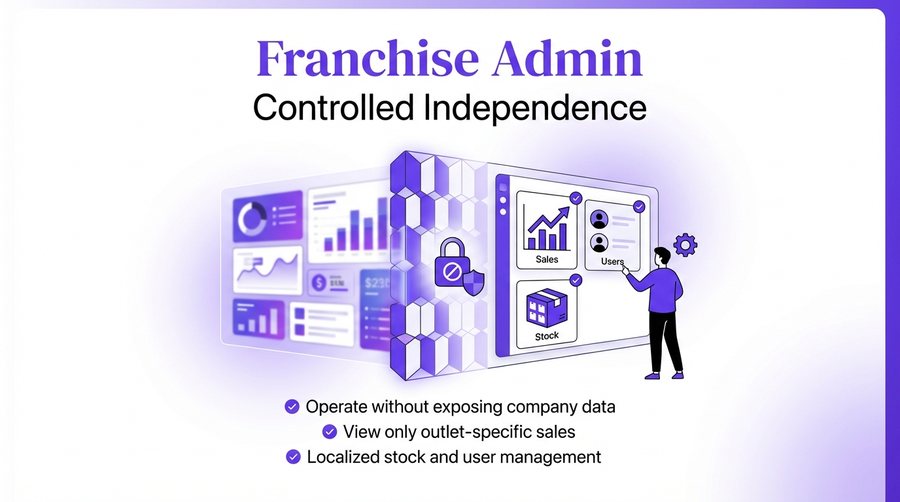
Franchise Admin
Ensures franchise owners only see data relevant to their specific location.
- Zero company-wide exposure
- Local sales and stock only
- Local user management
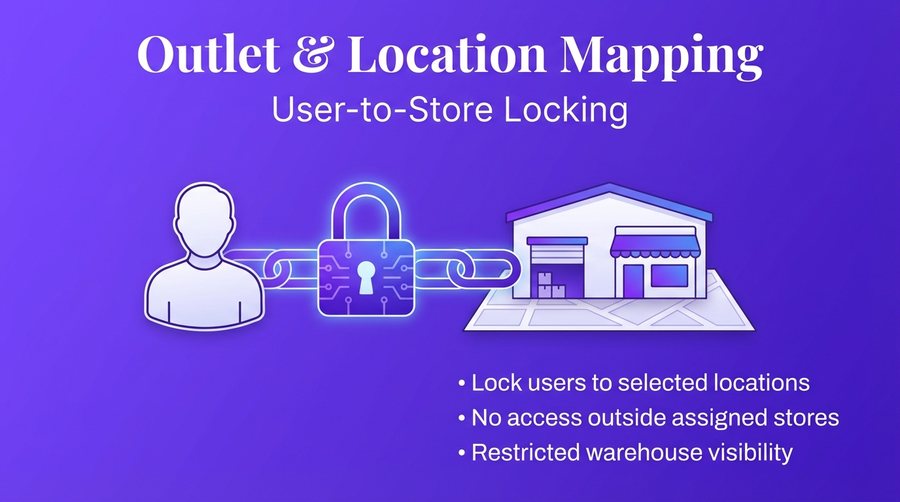
Outlet & Location Mapping
Locks specific users to their assigned physical locations for better security.
- Location-based user locking
- Prevention of unassigned access
- GPS-linked security visual
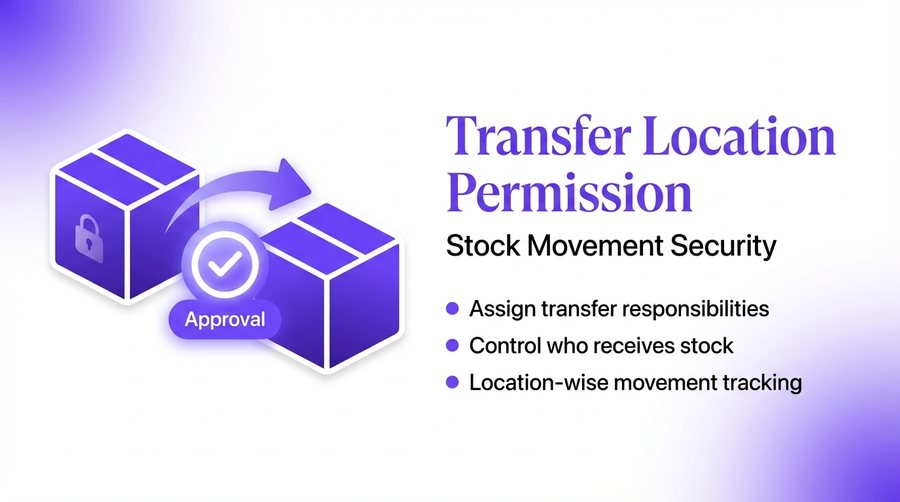
Transfer Location Permission
Strictly controls the movement of stock between different business locations.
- Assigned stock transfer rights
- Assigned stock receiving rights
- Movement audit trail
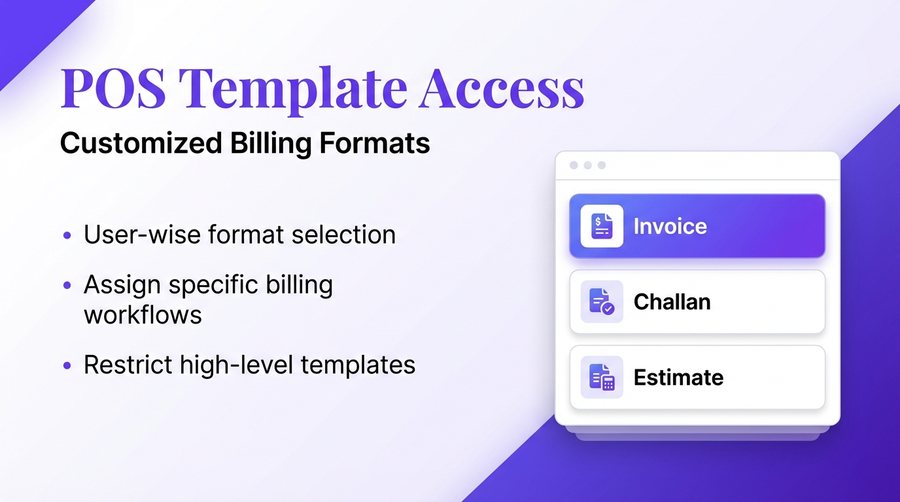
POS Template Access
Controls which billing formats and documents each user can generate.
- User-wise format selection
- Role-based template assignment
- Challan and Estimate control
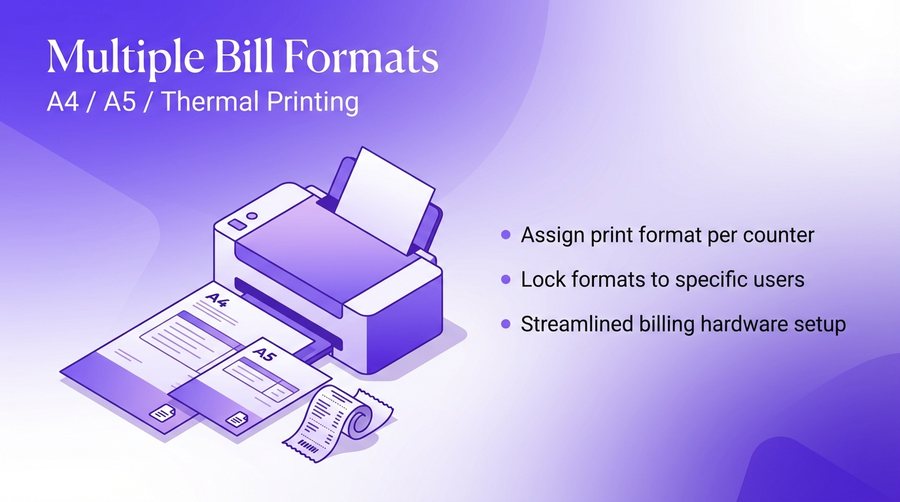
Multiple Bill Formats
Supports various printing sizes based on specific cashier counter requirements.
- A4 and A5 support
- Thermal printer integration
- Counter-specific printing
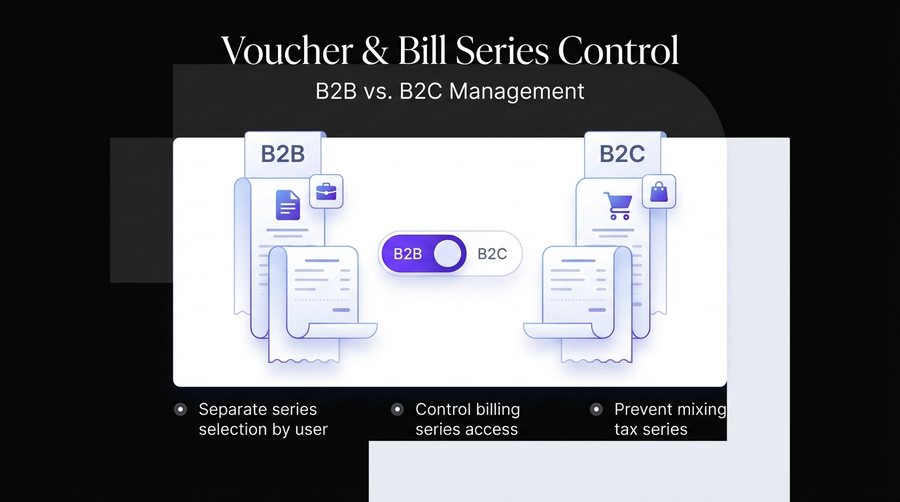
Voucher / Bill Series Control
Manages access to different billing series for B2B and B2C transactions.
- Separate series selection
- Role-based billing access
- Compliance-ready series
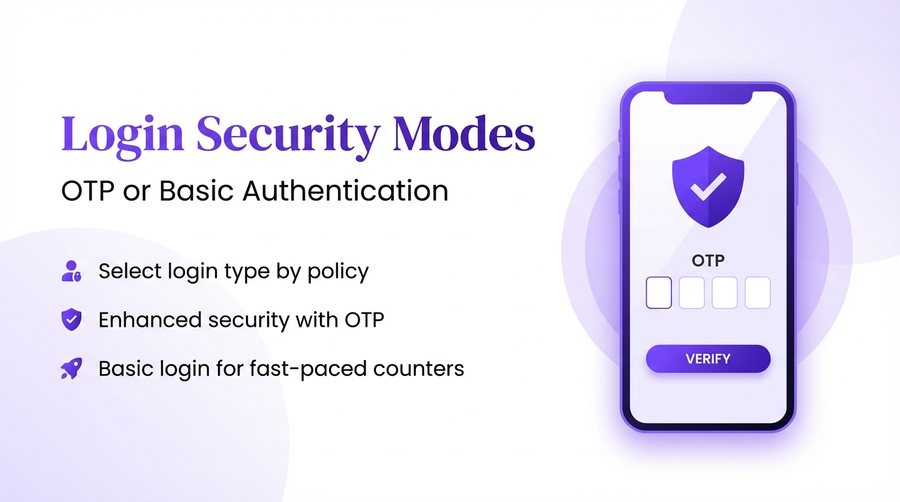
Login Security Modes
Provides multiple ways to secure user access including OTP and standard logins.
- OTP-based authentication
- Standard password login
- Enhanced account security
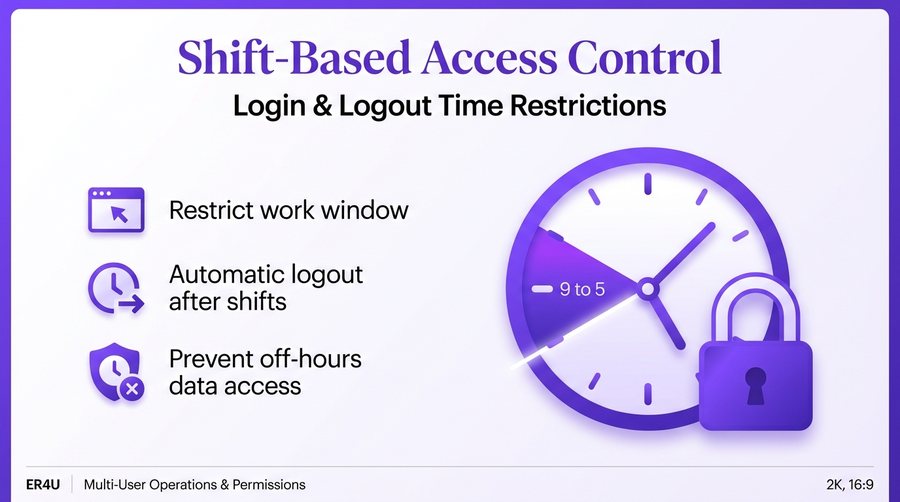
Login Time Restrictions
Restricts system access to specific shift-based login windows.
- After-hours access restriction
- Shift-based login timing
- Time-locked security
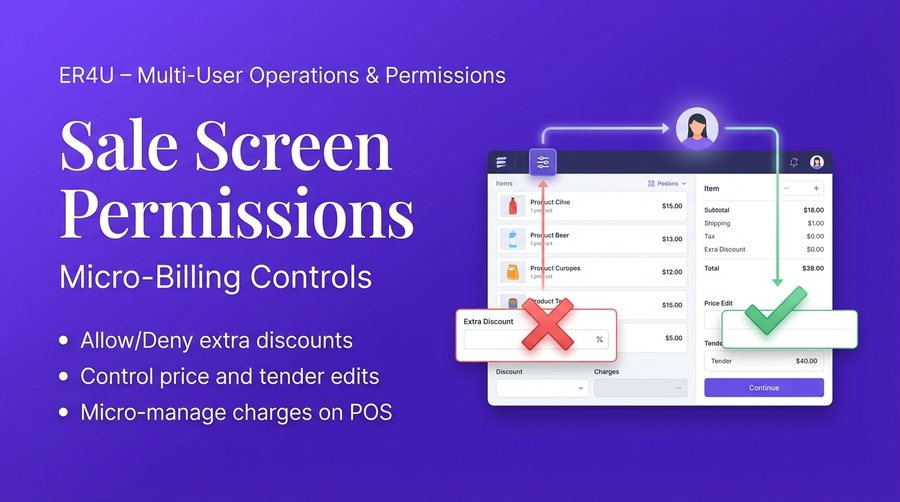
Sale Screen Permissions
Offers micro-level controls on the POS screen to prevent pricing misuse.
- Deny extra discounts
- Lock sale price editing
- Restrict tender type edits

Purchase Price Visibility
Hides sensitive cost information from staff to protect business margins.
- Hide purchase price
- Control item search views
- Protect sensitive margins
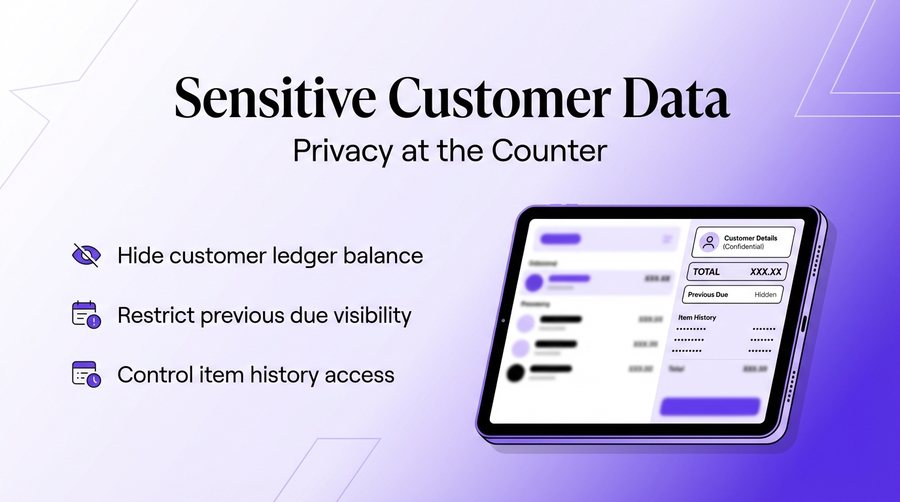
Sensitive Customer Data
Controls what customer-related financial information is visible to the cashier.
- Hide customer ledger balance
- Hide previous due amounts
- Restrict item history views
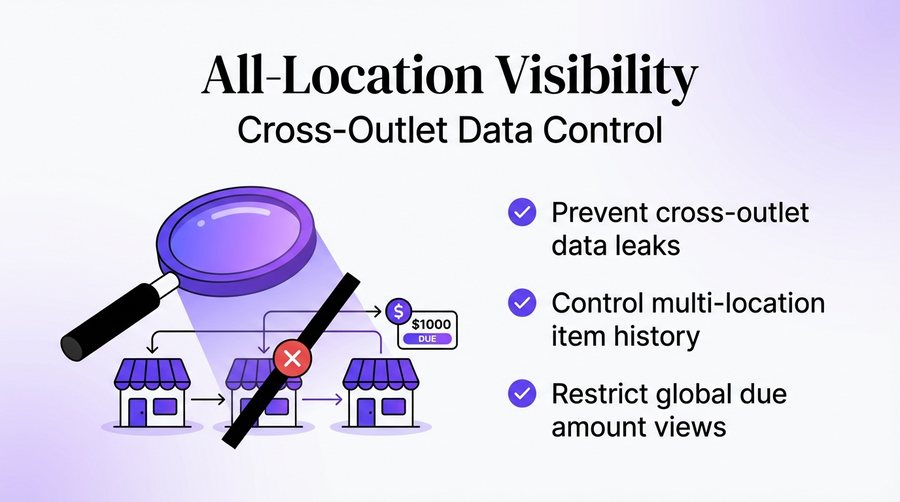
All Location Visibility
Prevents data leaks by restricting user visibility to their current location.
- Prevent cross-outlet leaks
- Restrict location history
- Controlled data visibility
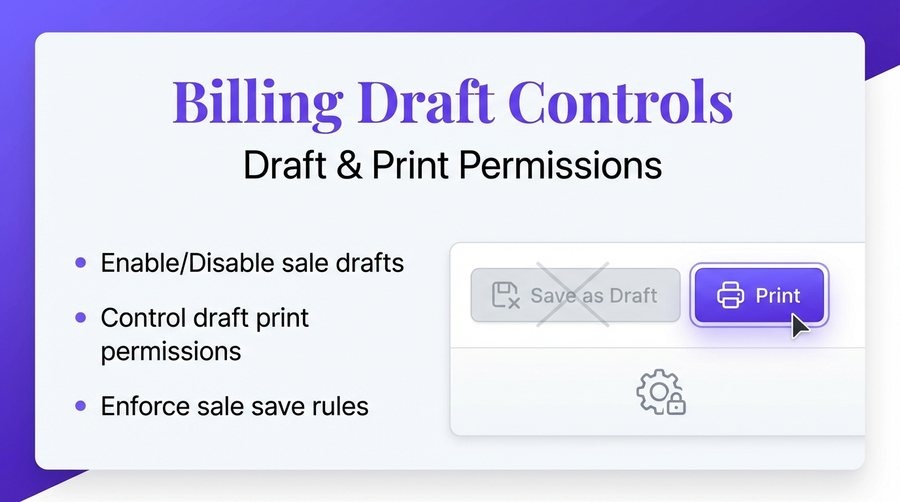
Billing Draft Controls
Manages permissions for saving, printing, and managing sale drafts.
- Enable or disable drafts
- Control draft printing
- Manage save without print
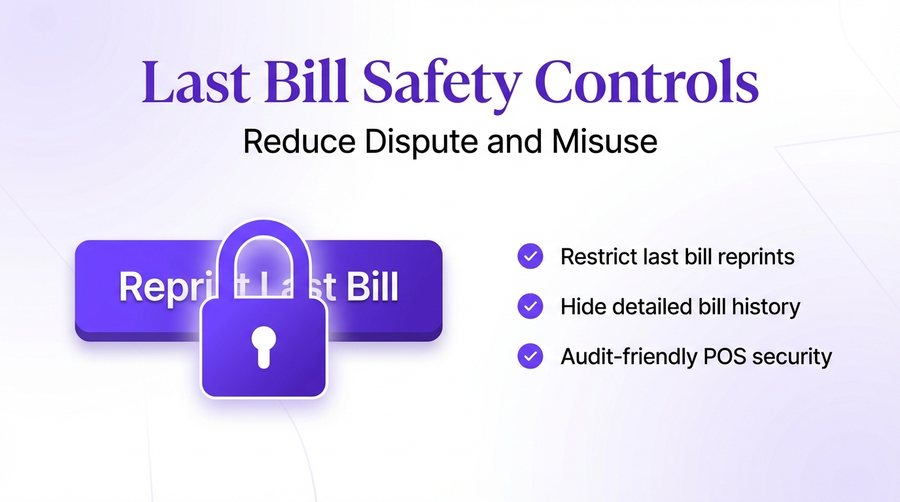
Last Bill Safety Controls
Reduces disputes and reprint misuse by locking last bill functionalities.
- Restrict last bill printing
- Restrict detailed bill views
- Minimize reprint fraud
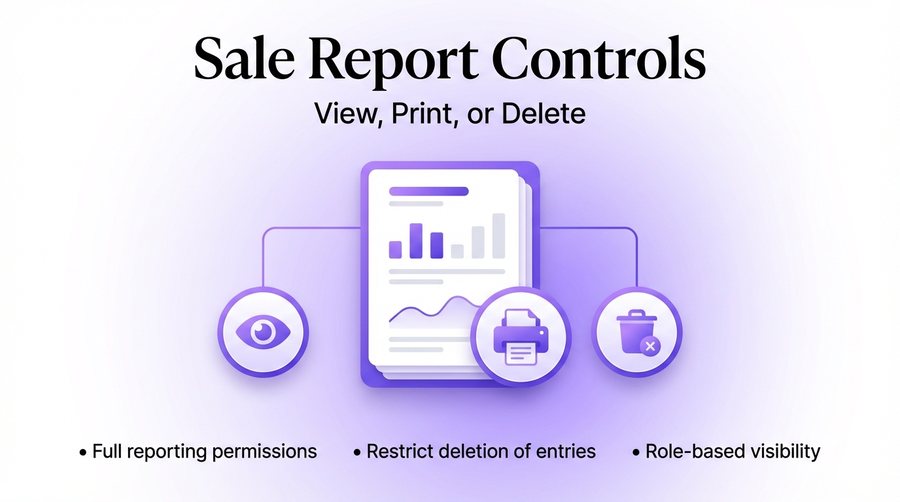
Sale Report Controls
Defines who can view, print, or delete entries from sales reports.
- View report permissions
- Print report control
- Delete entry restrictions
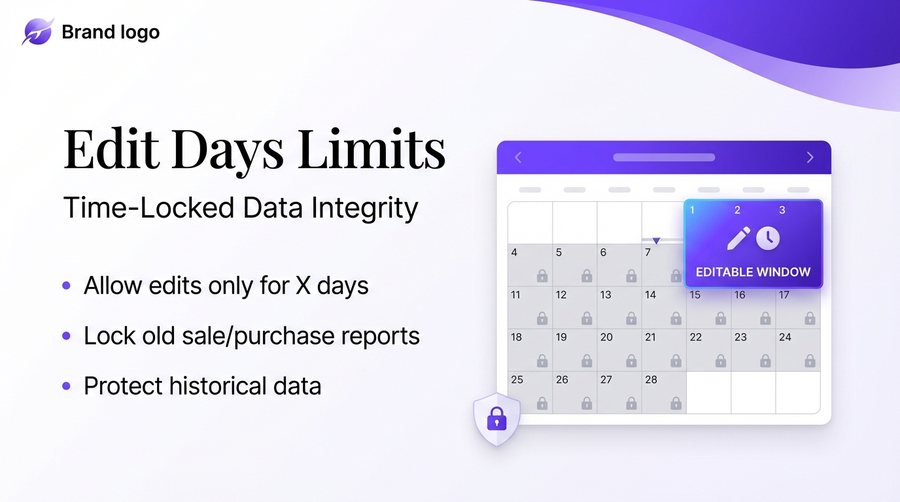
Edit Days Limits
Protects historical data by limiting the number of days a record remains editable.
- Sale report edit limits
- Purchase report edit limits
- Lock old historical data
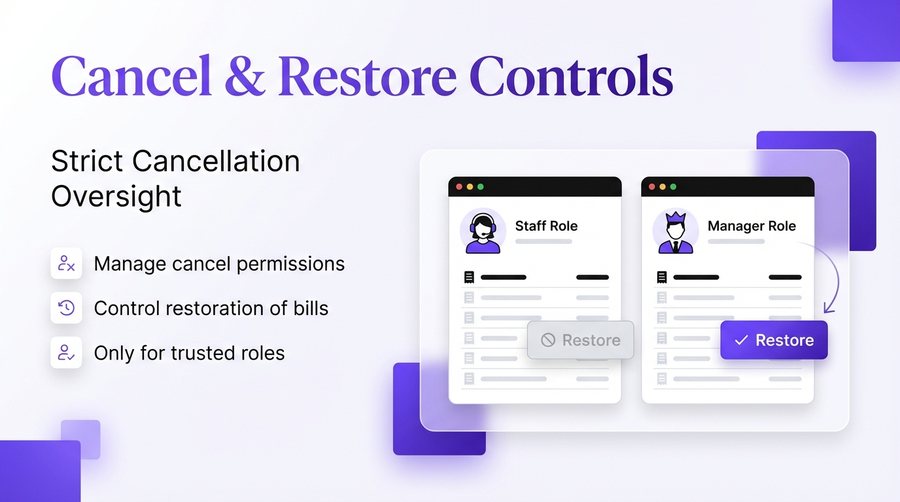
Cancel & Restore Controls
Maintains strict control over bill cancellations and record restorations.
- Controlled bill cancellation
- Restore permission rights
- Manager override requirements
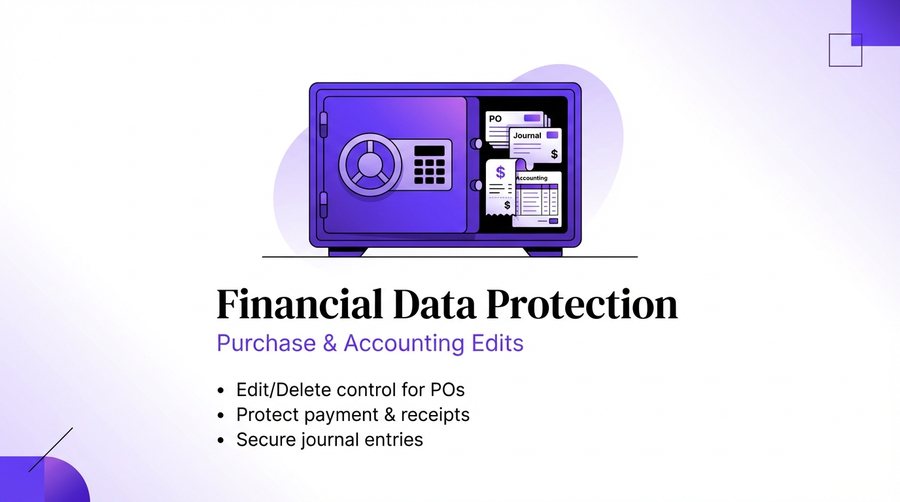
Financial Data Protection
Secures purchase orders and vouchers against unauthorized edits or deletions.
- Purchase order security
- Receipt and payment protection
- Journal voucher locks
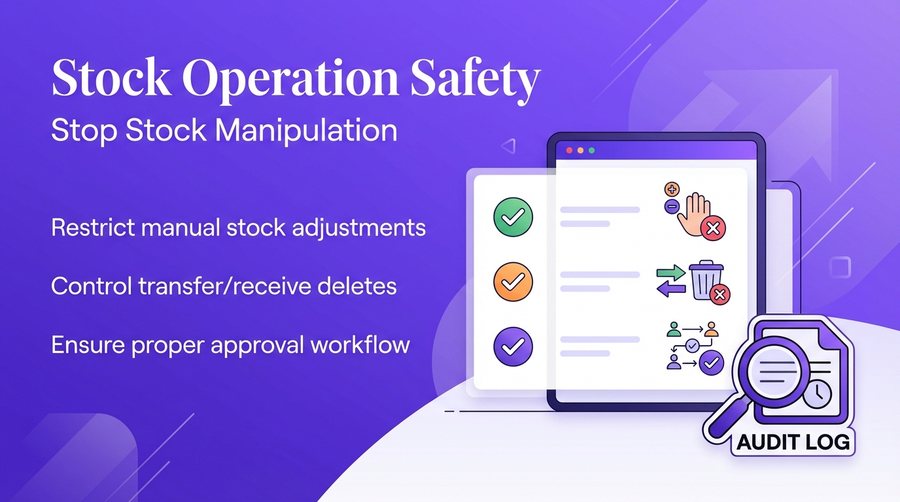
Stock Operation Safety
Stops inventory manipulation by restricting manual stock adjustments.
- Restrict manual adjustments
- Control stock audit history
- Stock transfer protection
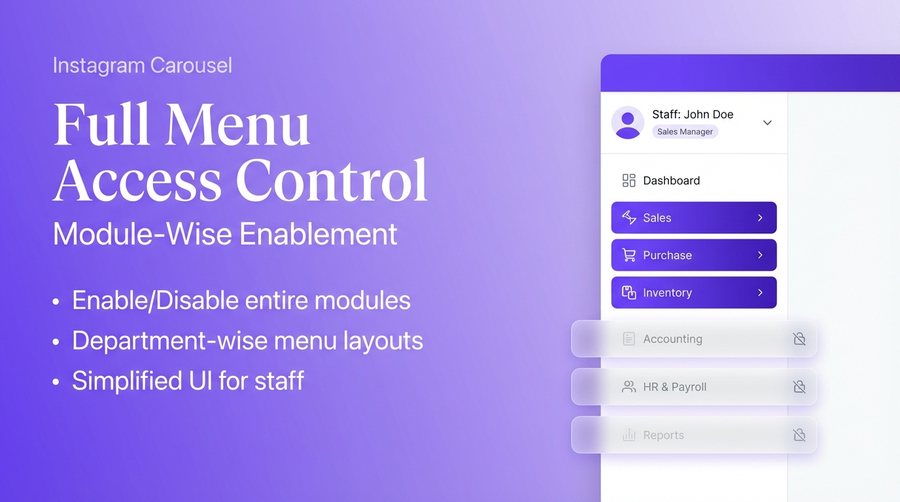
Full Menu Access Control
Enables or disables entire software modules based on user roles.
- Setup and scheme control
- Purchase and stock management
- Item search master access
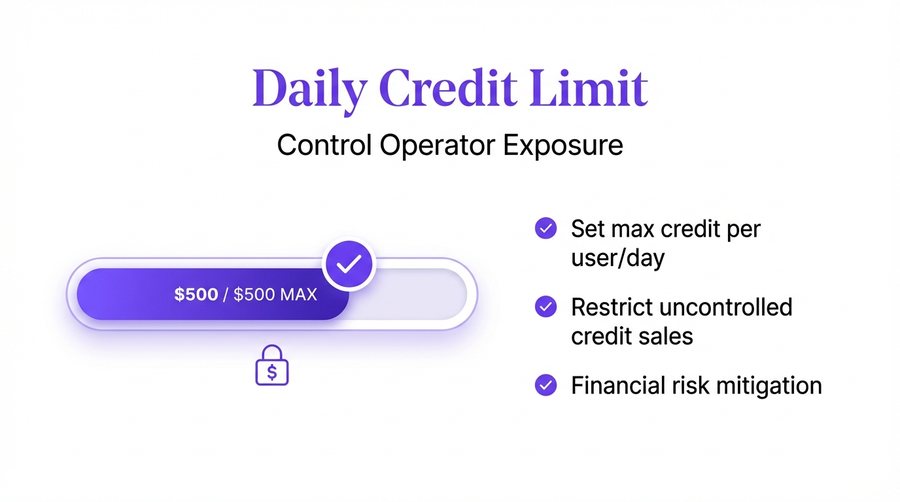
Credit Limit Controls
Prevents uncontrolled sales by setting daily and bill-wise credit exposure.
- Daily credit exposure limits
- Max credit per bill
- Automated sales prevention
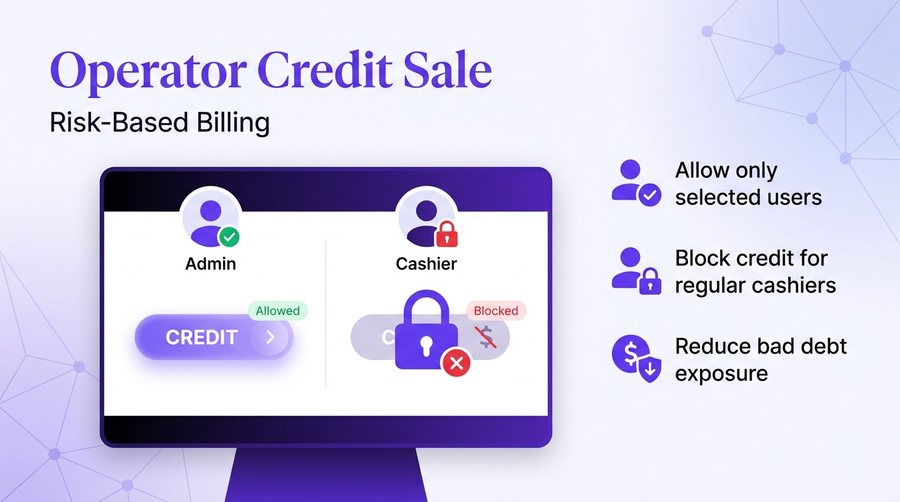
Operator Credit Permission
Assigns selective rights for processing credit-based sales transactions.
- Selective billing rights
- Role-based credit sales
- Management-only credit
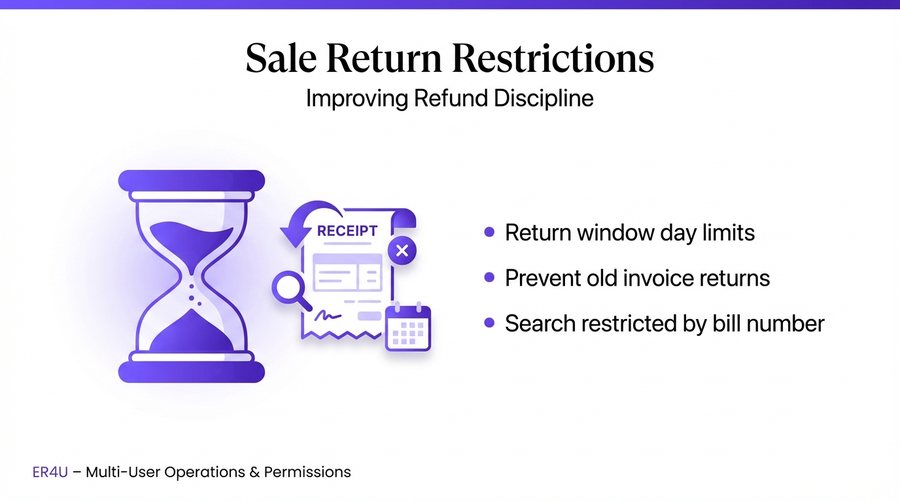
Sale Return Days Restriction
Prevents misuse by restricting the time window for processing returns.
- Restrict return windows
- Improve refund discipline
- Prevent old return misuse
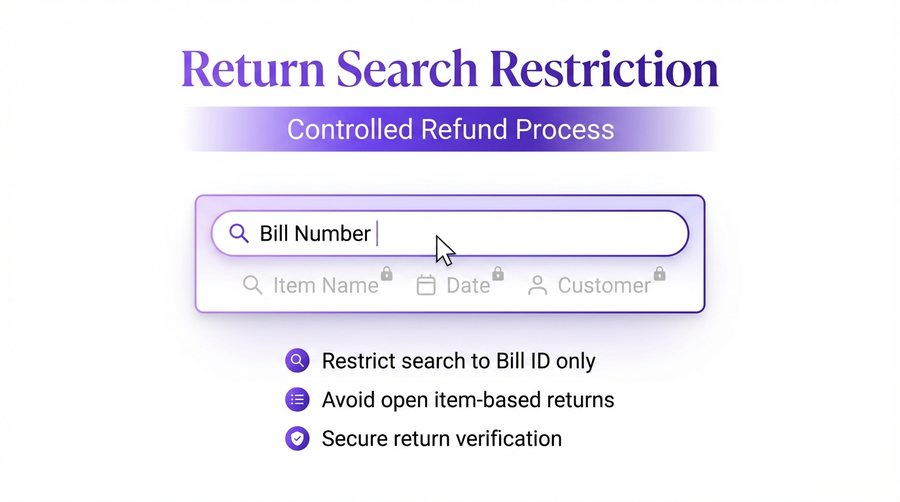
Return Search Restriction
Forces return searches to be conducted only by specific bill numbers.
- Search by bill number only
- Prevents generic item searches
- Ensures accurate returns
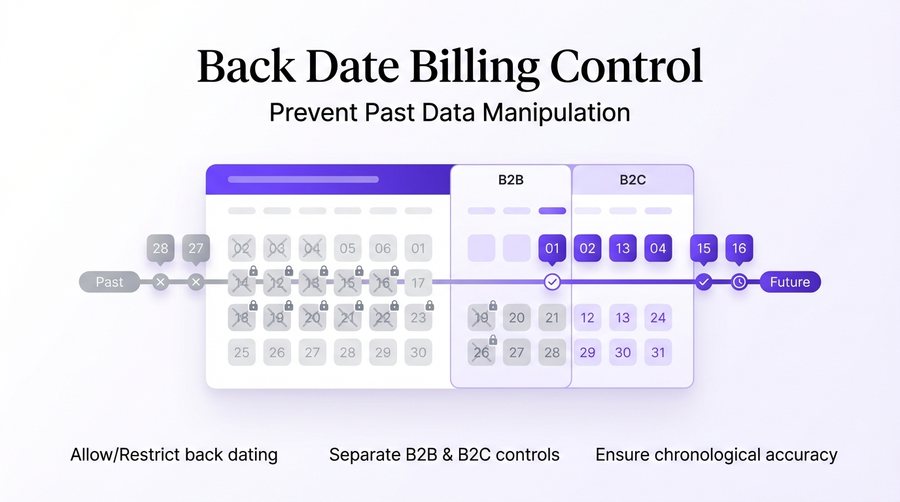
Back Date Billing Control
Stops data manipulation by restricting the ability to create back-dated bills.
- Restrict back-dating
- Separate B2B and B2C control
- Ensure data integrity
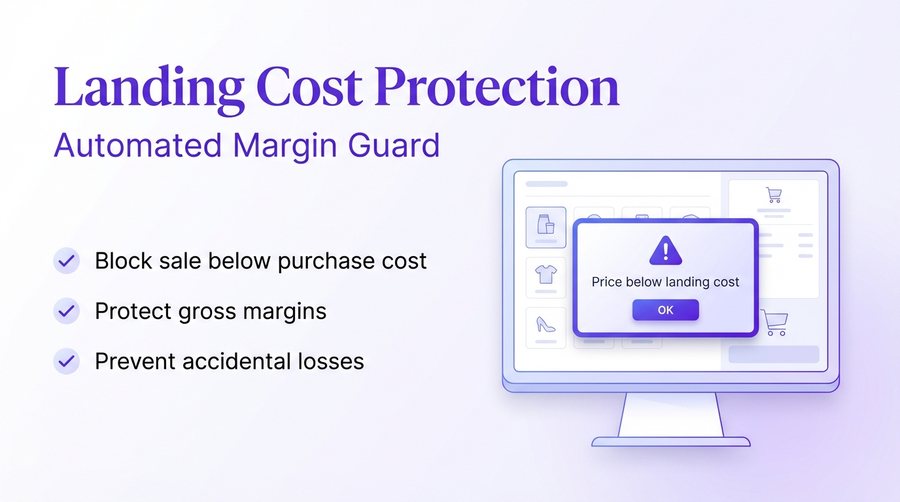
Landing Cost Protection
Provides a safety lock to prevent items from being sold below their landing cost.
- Sell-below-cost block
- Margin protection alert
- Automatic price floor
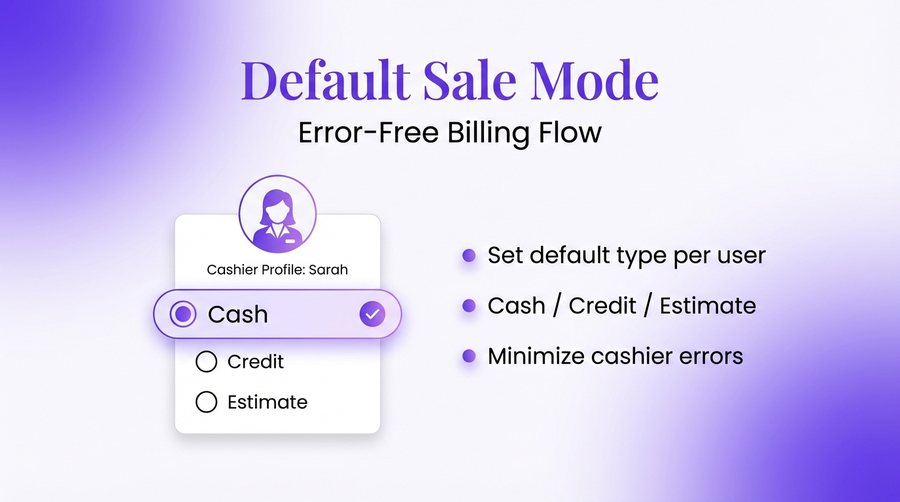
Default Sale Mode Control
Sets the default billing type for each user to minimize operator errors.
- Cash/Credit/Estimate defaults
- Reduce billing errors
- User-specific profiles
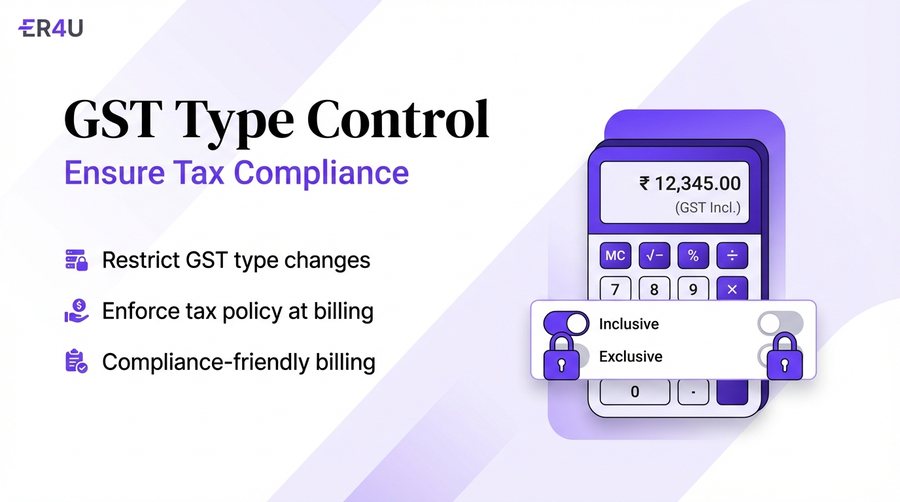
GST Type Control
Secures tax compliance by locking inclusive and exclusive tax toggles.
- Tax compliance security
- Locked tax toggles
- Operator-level restriction
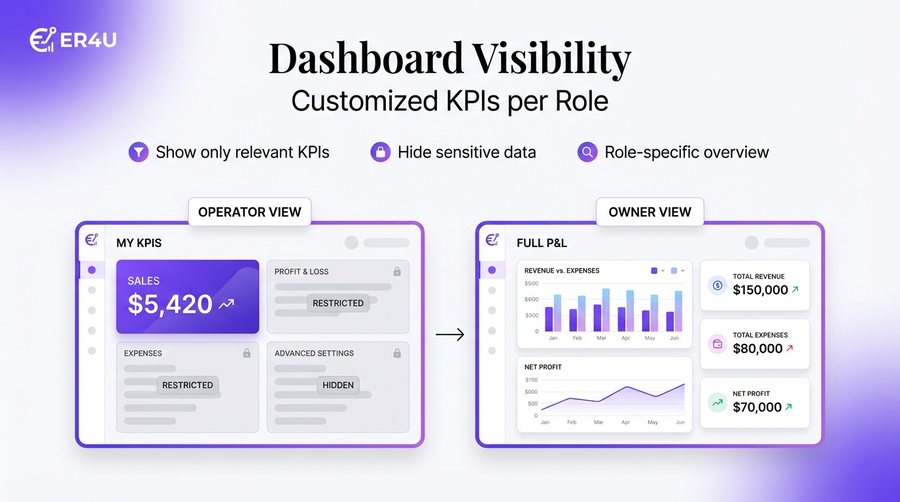
Dashboard Visibility Control
Customizes the analytical KPIs visible to each user based on their role.
- Show relevant KPIs only
- Hide sensitive business data
- Role-based dashboard views
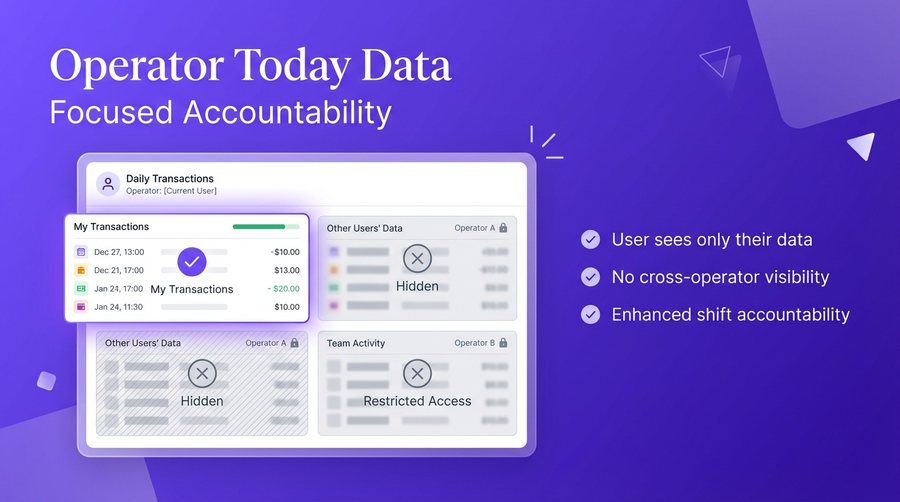
Operator Today Data
Limits users to seeing only their own daily transactions and reports.
- Personal transaction visibility
- Restrict cross-operator data
- Secure shift reporting
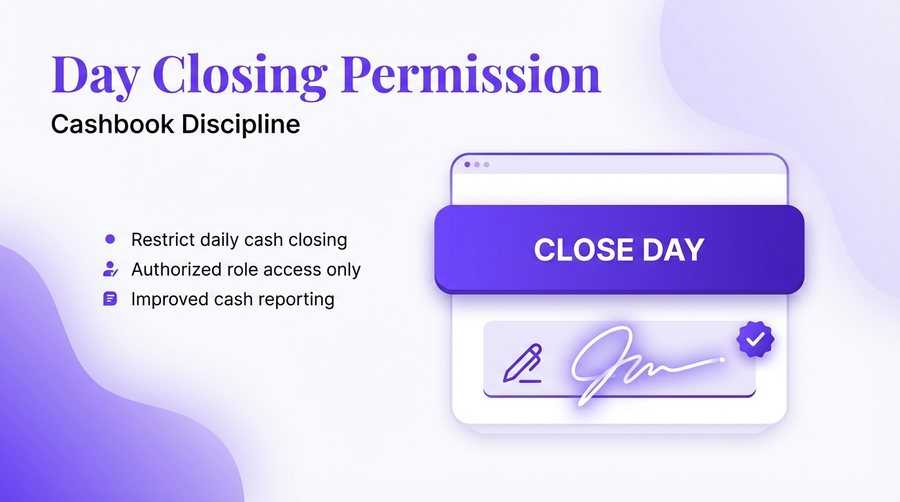
Day Closing Permission
Strictly controls who has the authority to perform daily cash closing.
- Daily cash closing control
- Authorized only access
- Shift end accountability
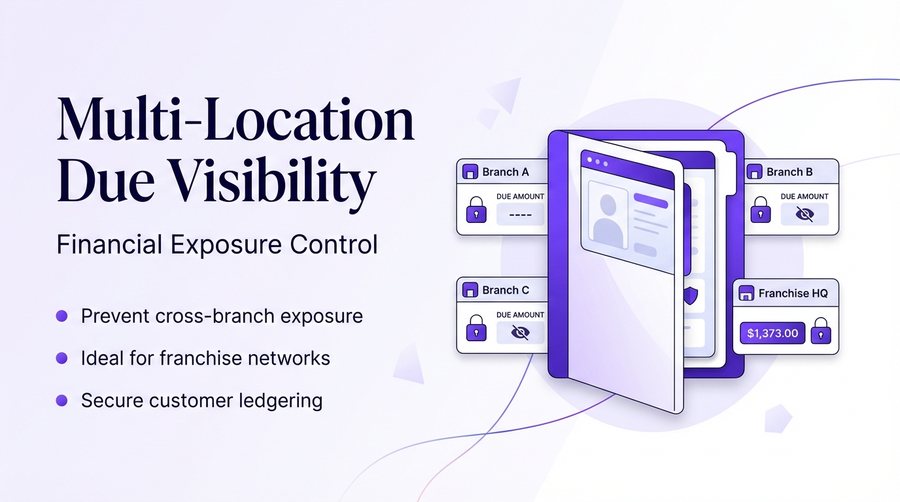
Multi-Location Due Visibility
Controls the exposure of cross-branch customer due and ledger data.
- Cross-branch data restriction
- Super Admin visibility
- Control customer exposure
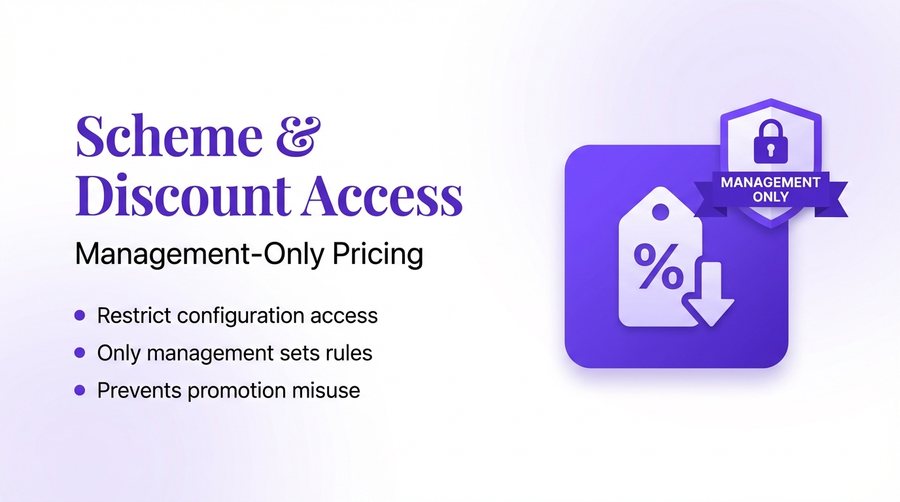
Scheme & Discount Access
Restricts the ability to modify promotional pricing and discount schemes.
- Disable configuration access
- Prevent promo price misuse
- Management-only modification
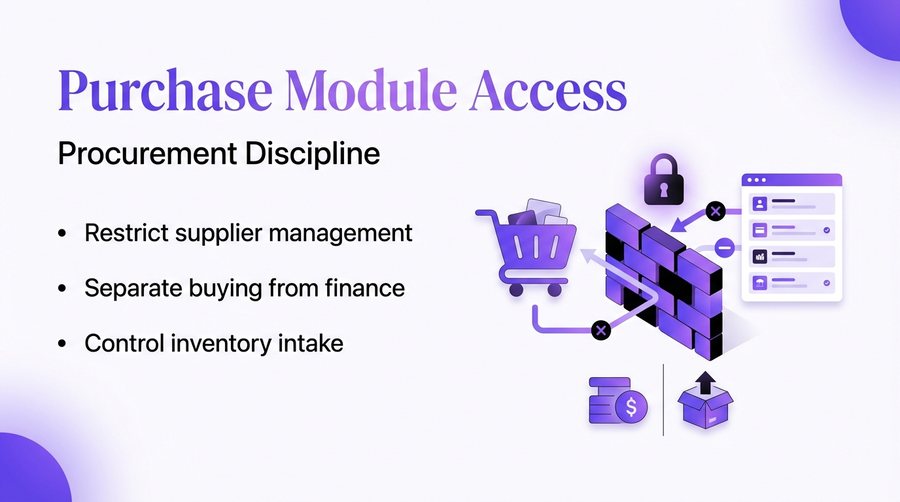
Purchase Module Access
Separates procurement operations from general finance and sales.
- Restricted buying controls
- Procurement discipline
- Locked vendor management
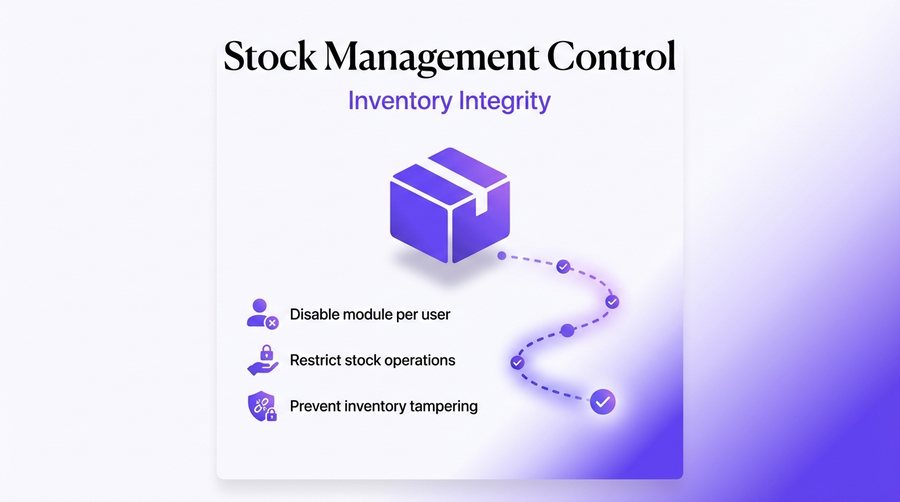
Stock Management Module
Authorizes specific roles to manage inventory levels and audit history.
- Authorize specific roles
- Prevent stock tampering
- Audit level access
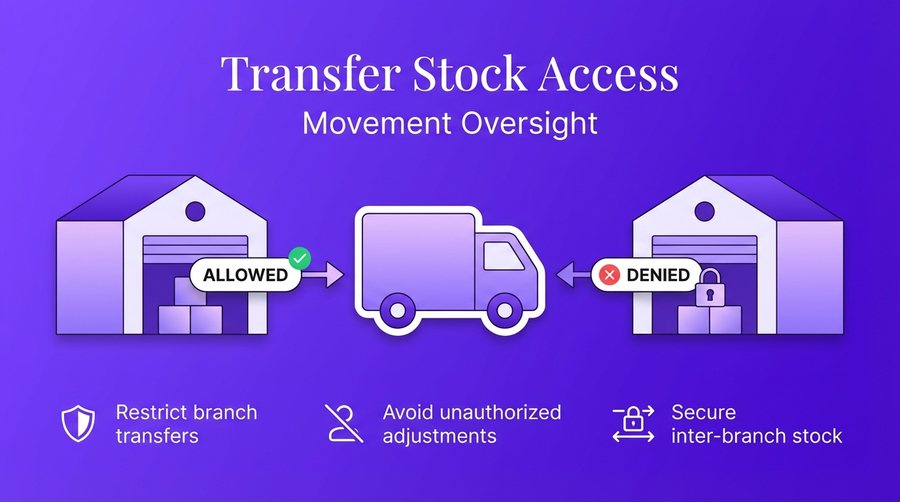
Transfer Stock Module
Restricts the authority to initiate inter-branch stock movements.
- Inter-branch restriction
- Authorized transfer only
- Movement tracking
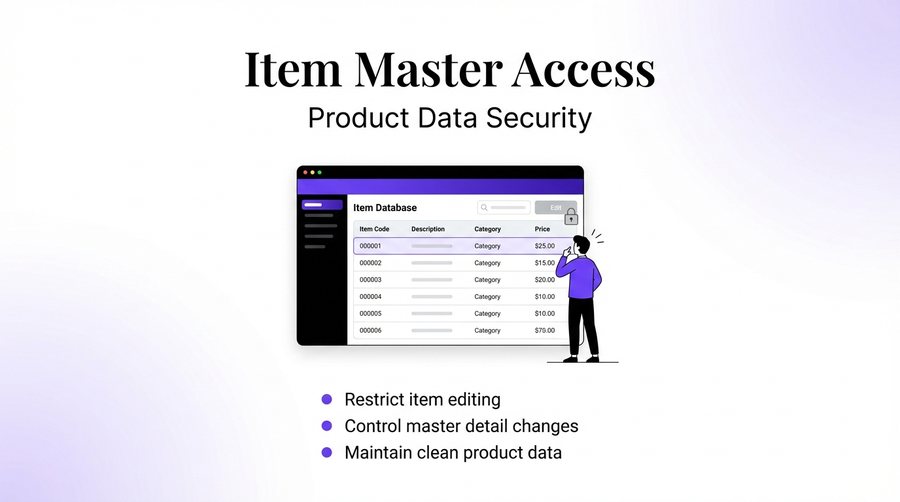
Item Search & Master Access
Controls who can create or edit the master product details in the system.
- Restrict master editing
- Prevent detail changes
- Item creation control
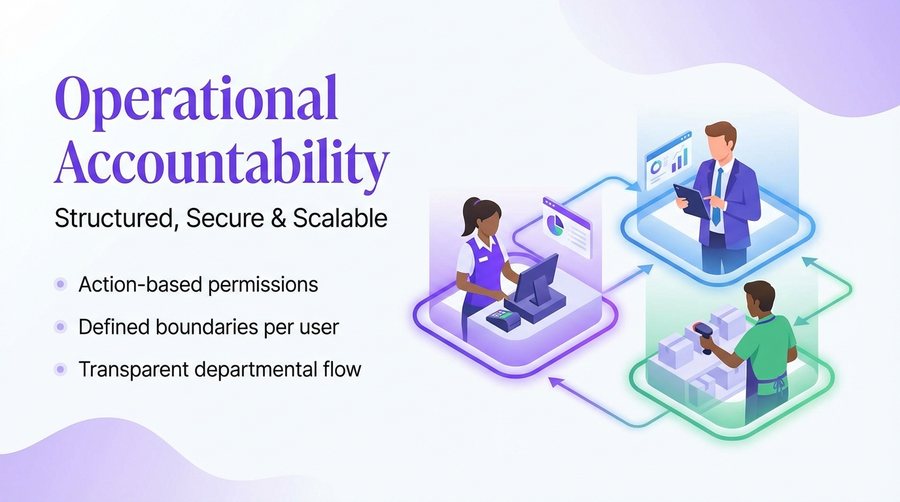
Complete Operational Accountability
Ensures full transparency and security for enterprise-level retail growth.
- Permission-based actions
- Outlet-wide transparency
- Secure retail growth
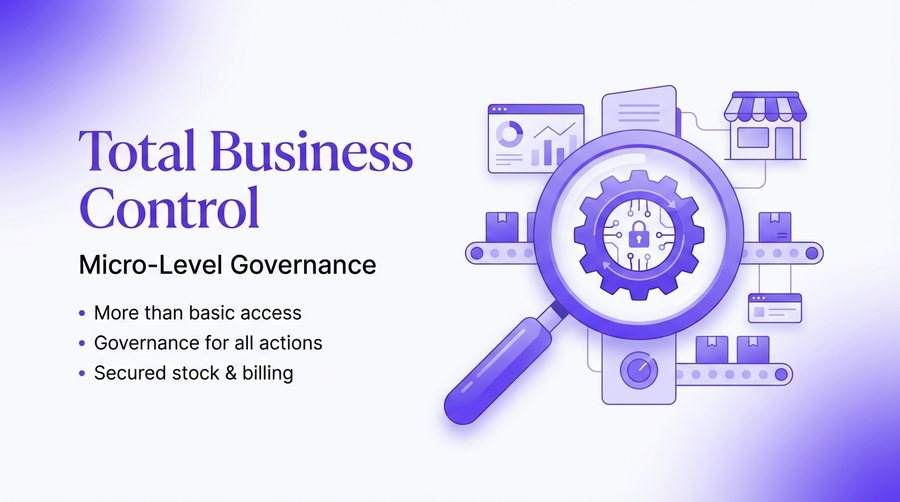
Total Business Control
Provides micro-level governance over billing, stock, and accounting levers.
- Micro-level governance
- Centralized cockpit view
- Total business control
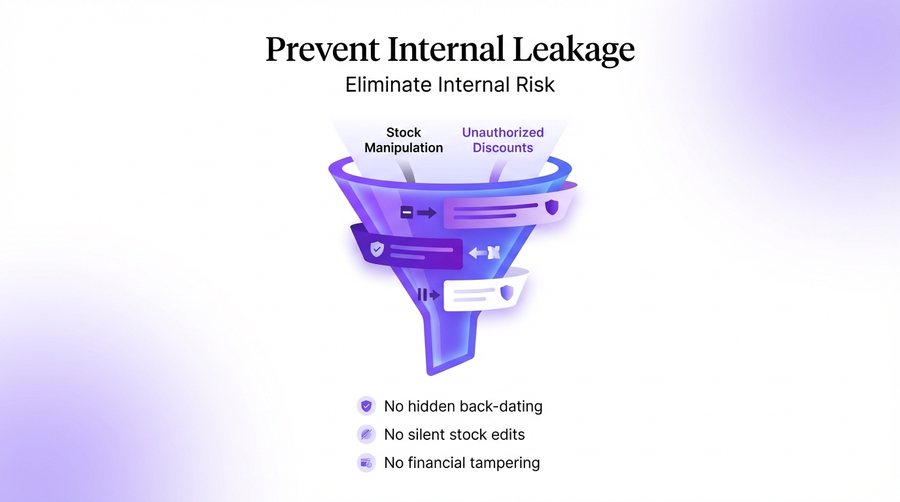
Prevent Internal Leakage
Eliminates internal risks like unauthorized discounts and hidden back-dating.
- No unauthorized discounts
- No hidden back-dating
- No silent stock manipulation
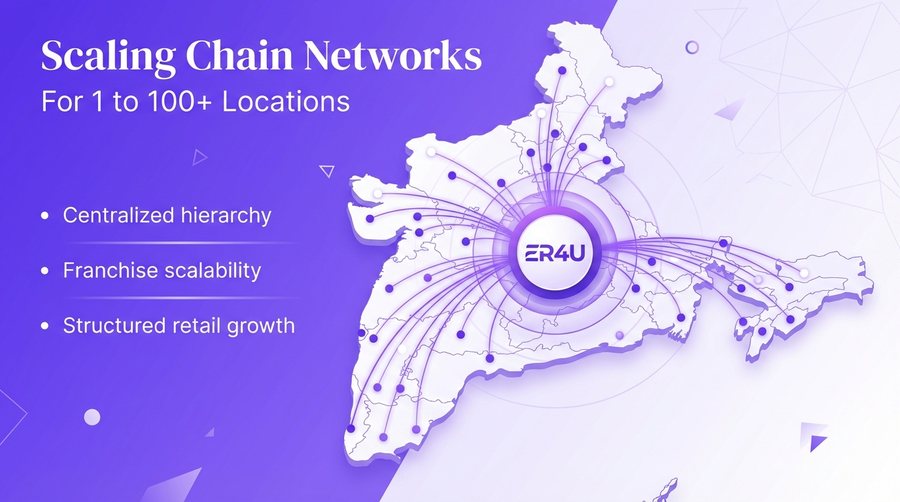
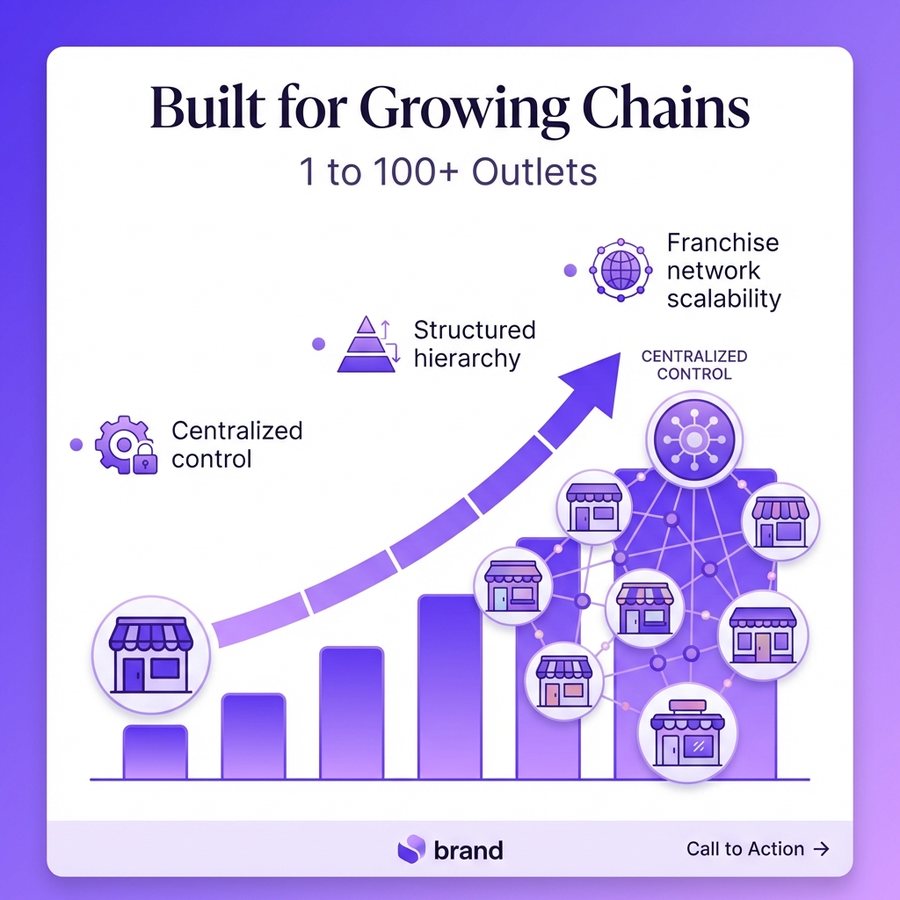
Built for Growing Chains
Designed to scale from a single store to a massive network of franchise locations.
- Centralized chain control
- Structured hierarchy
- Franchise scalability
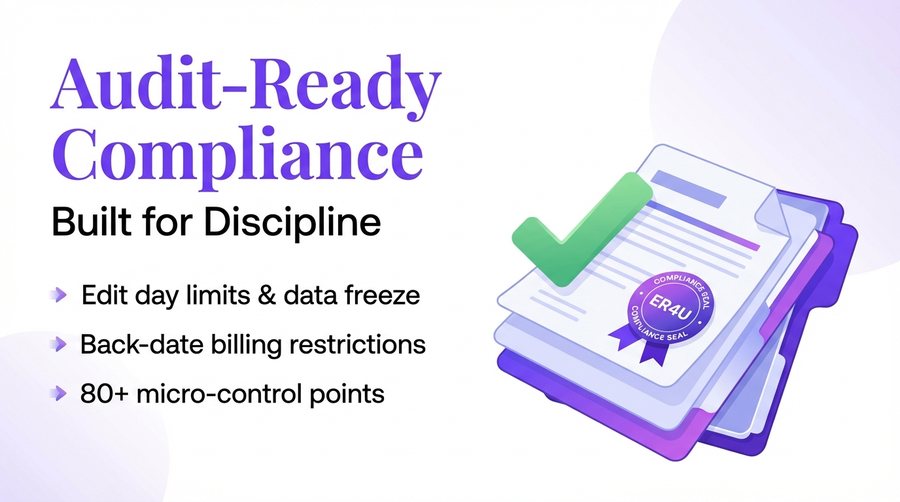
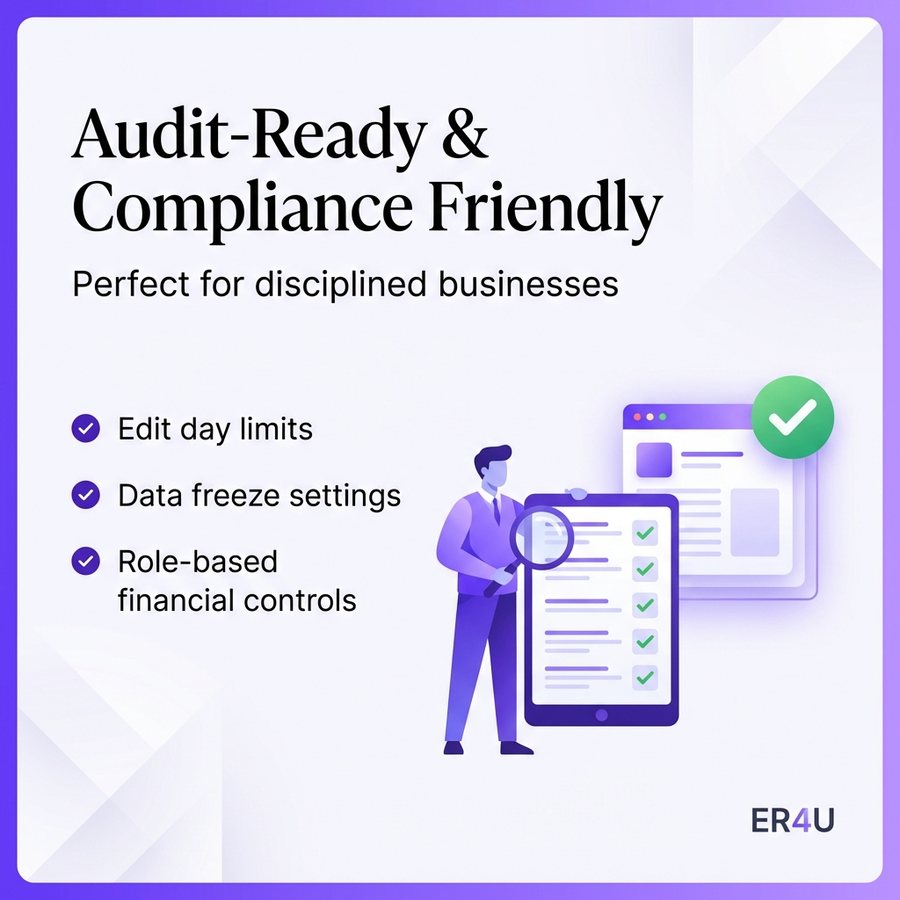
Audit-Ready & Compliance Friendly
Includes data freeze and edit limits for disciplined financial management.
- Edit day limits
- Data freeze settings
- Financial role controls
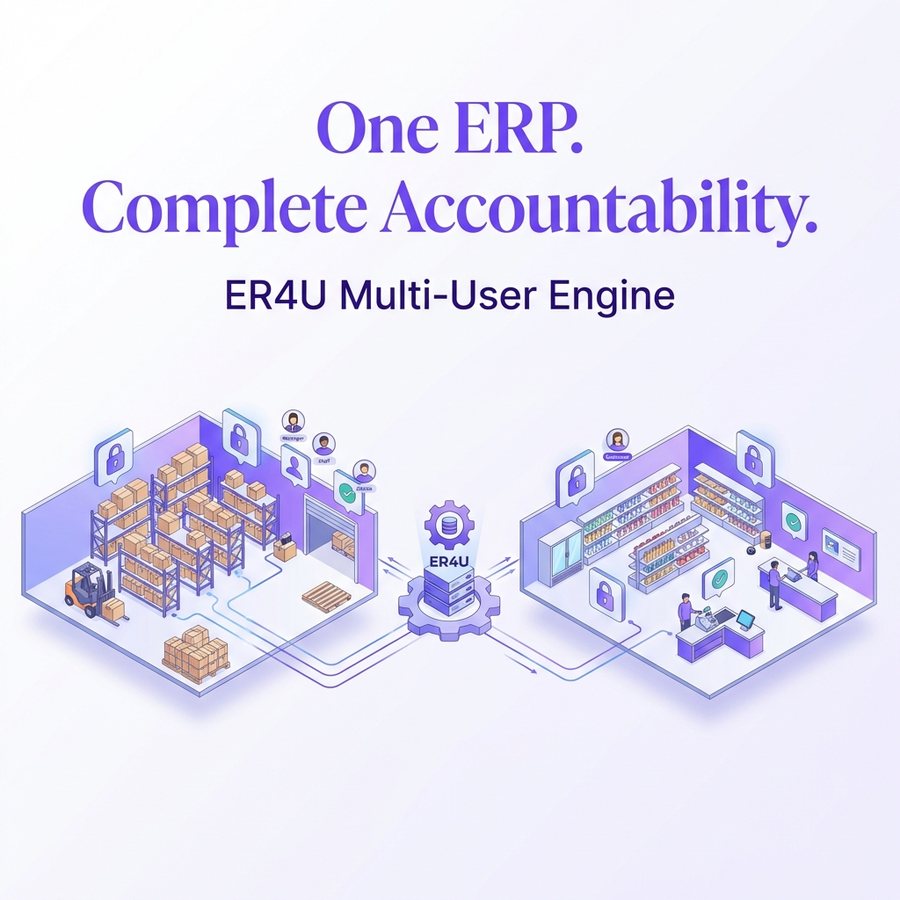
One ERP. Complete Accountability.
The ER4U multi-user engine provides a secure and organized retail management environment.
- Secure retail warehouse
- Digital checkpoints
- Complete accountability
Zero Extra Hardware
Security runs natively on your existing ERP installation.
Cloud-Based Access Control
- Works on any standard terminal
- Cloud-synced permissions
- No specialized security hardware
- Universal device compatibility
Why trust ER4U for your security?
Stop Theft
Prevent bill manipulation and cash leakage at the counter.
Scale Safely
Add new outlets and franchises without losing central control.
Full Audits
Track exactly who did what, when, and where.
Frequently asked questions
Can I hide the purchase price from my counter staff?
Yes, you can hide landing costs across item search, sales, and reports for specific roles.
Does it support OTP login for extra security?
Yes, ER4U supports both standard password and OTP-based login modes.
Can I restrict users to specific login times?
Yes, you can set shift-based login windows to prevent after-hours access.
Can franchise owners see company-wide data?
No, the franchise admin role ensures they only see sales and stock for their specific outlet.
What are the different user levels available?
The system includes structured hierarchy levels like Super Admin, Admin, Outlet Admin, and General Staff users for department-wise roles.
What can a Super Admin do?
A Super Admin has master access to all outlets, full configuration control, cross-store approvals, and can view or edit all reports across the chain.
Can I lock a user to a specific physical location?
Yes, outlet and location mapping locks specific users to their assigned physical locations to prevent unassigned access using GPS-linked security.
How is stock transfer between branches controlled?
You can assign strict stock transfer and receiving rights to specific roles, complete with a movement audit trail to prevent unauthorized inter-branch transfers.
Can different users have different billing formats?
Yes, you can assign role-based POS templates and support various printing sizes like A4, A5, or thermal prints based on counter-specific requirements.
Can cashiers give extra discounts at the POS?
Only if authorized. You can strictly deny extra discounts, lock sale price editing, and restrict tender type edits on the sale screen.
Will the cashier see a customer's total due balance?
You have the option to hide sensitive customer ledger balances, previous due amounts, and item history views from the POS screen.
Can staff see inventory at other locations?
No, you can restrict data visibility so users only see information relevant to their current assigned location, preventing cross-outlet leaks.
Have more questions?
Our retail experts are ready to help.