
Home / Features / No More Manual Amount Entry at Billing Counter.
PhonePe EDC Integration • Auto Sync • Zero Errors
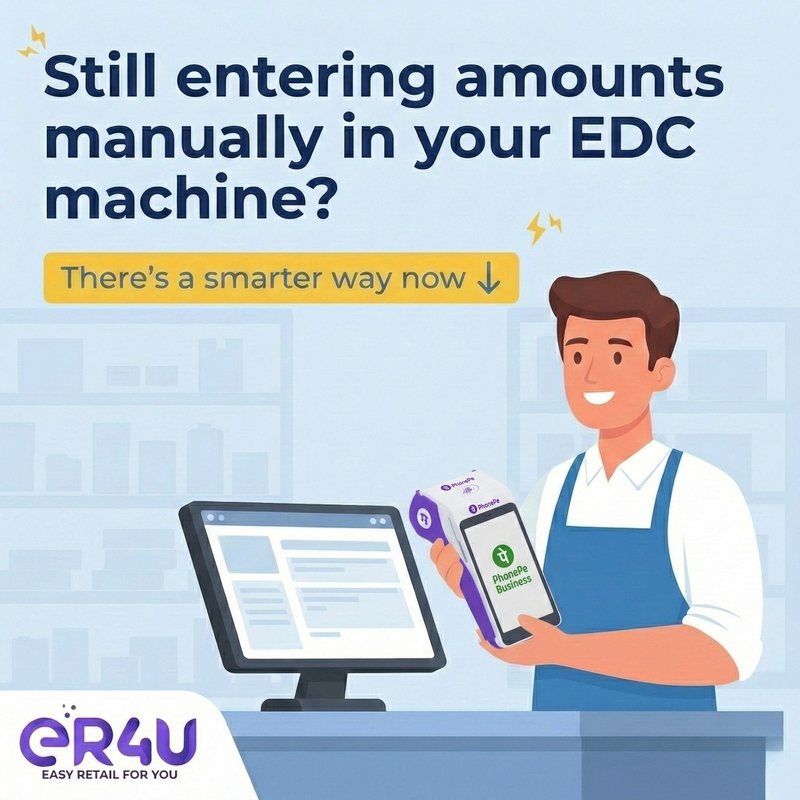
No More Manual Amount Entry at Billing Counter.
Your eR4u ERP talks directly to the PhonePe swipe machine. Bill amounts auto-sync, payments confirm instantly, and invoices close without mismatch—every single time.
● Auto-send bill to swipe machine ● No double typing ● Instant payment confirmation
Why er4u No More Manual Amount Entry at Billing Counter.?
Why billing counters need PhonePe integration
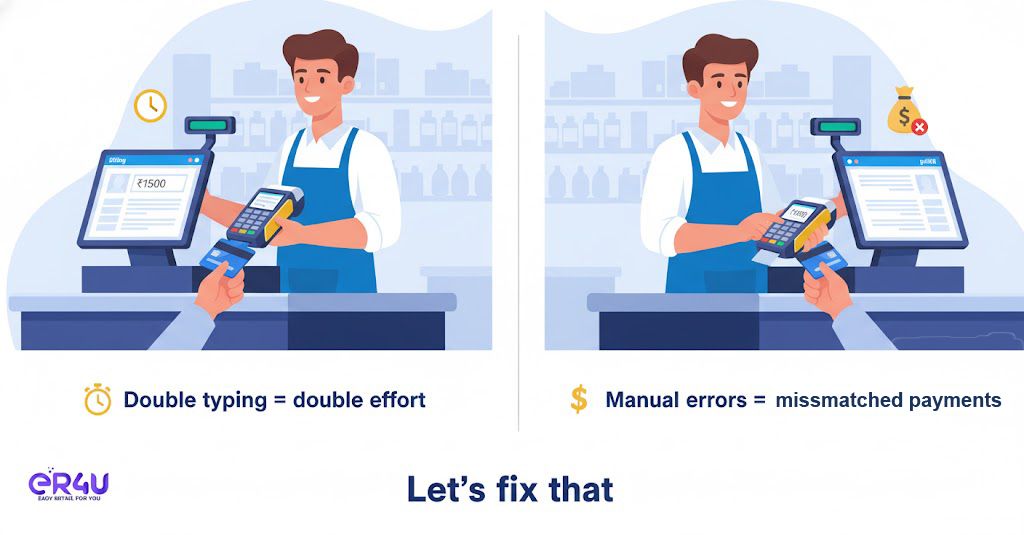
Manual amount entry leads to errors, delays, and payment mismatches. eR4u eliminates this by syncing billing directly with the PhonePe EDC machine.
- No manual amount entry on swipe machine
- Eliminates double typing at checkout
- Prevents mismatched payments
- Faster billing and checkout
- Professional customer experience
No More Manual Amount Entry at Billing Counter. at a glance
Auto Bill Amount Sync
Entered bill amount in eR4u is automatically sent to the PhonePe EDC machine.
Zero Manual Errors
No typing twice means no mismatch between billed and paid amounts.
Faster Checkout
Billing to payment happens instantly—ideal for rush hours.
Instant Payment Status
Successful payments reflect immediately in eR4u ERP.
Card & UPI Reports
All payments are auto-tracked and available in reports.
Professional Billing Flow
Smooth, modern checkout experience for customers and staff.
Ready to get started?
See how er4u No More Manual Amount Entry at Billing Counter. fits your business.
No More Manual Amount Entry at Billing Counter. capabilities
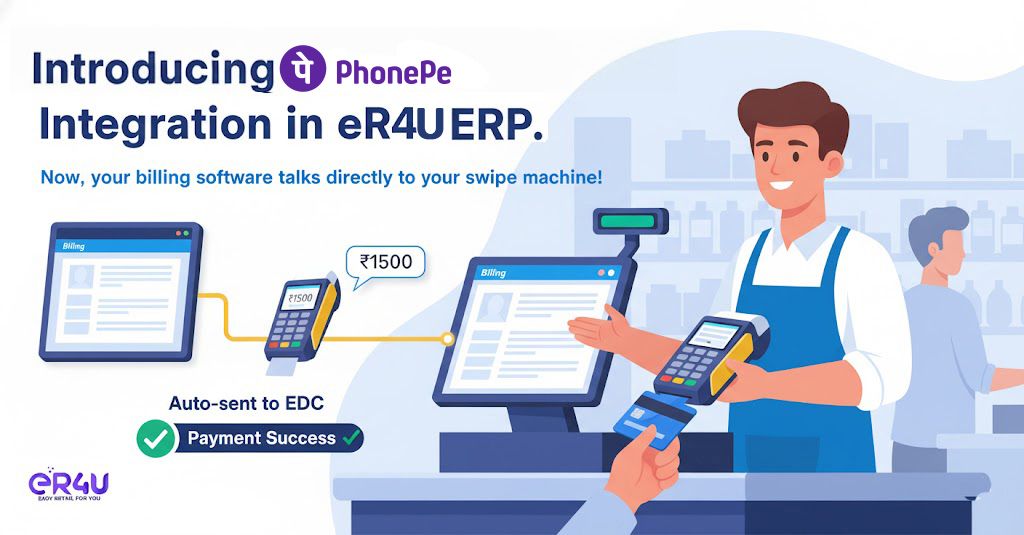
Auto-send bill amount from eR4u to PhonePe terminal
Once the bill is generated, the exact amount is pushed automatically to the swipe machine.
- No manual typing on EDC
- Exact bill amount synced
- Works for card & UPI
- Faster payment initiation
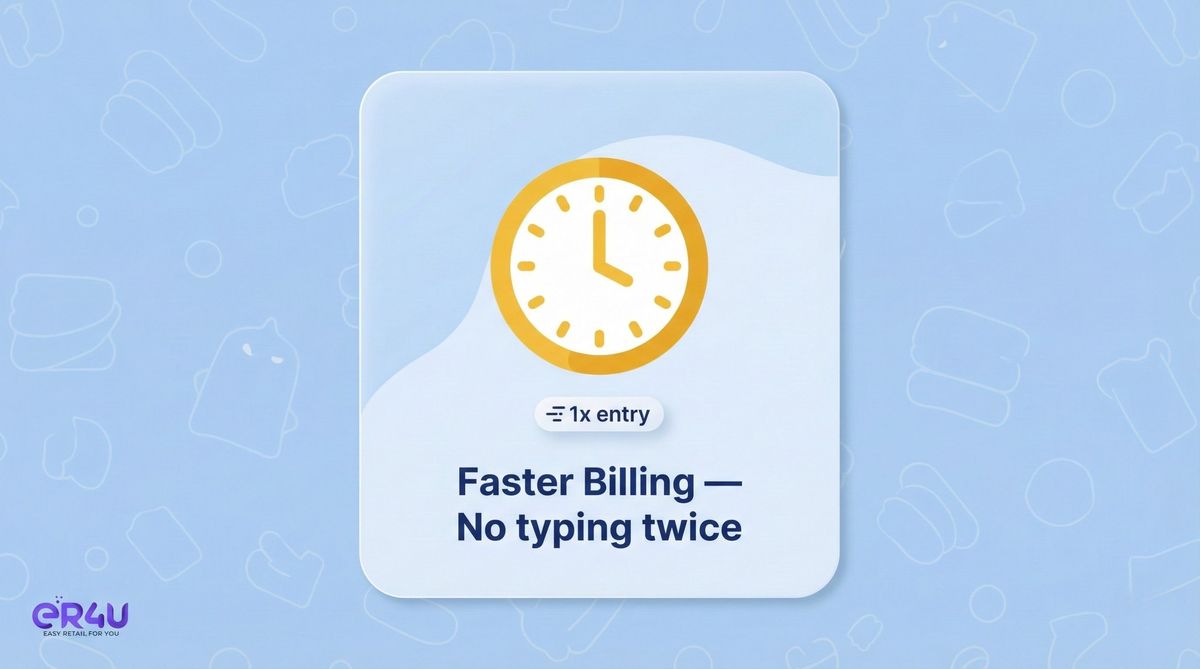
Instant payment confirmation & invoice closure
Successful payments immediately reflect inside eR4u ERP.
- Real-time payment status
- Invoice auto-marked as paid
- No manual reconciliation
- Reduced cashier workload

Zero mismatch & zero billing errors
Eliminates discrepancies between billed and paid amounts.
- No double entry
- No human errors
- Accurate daily closing
- Cleaner accounts
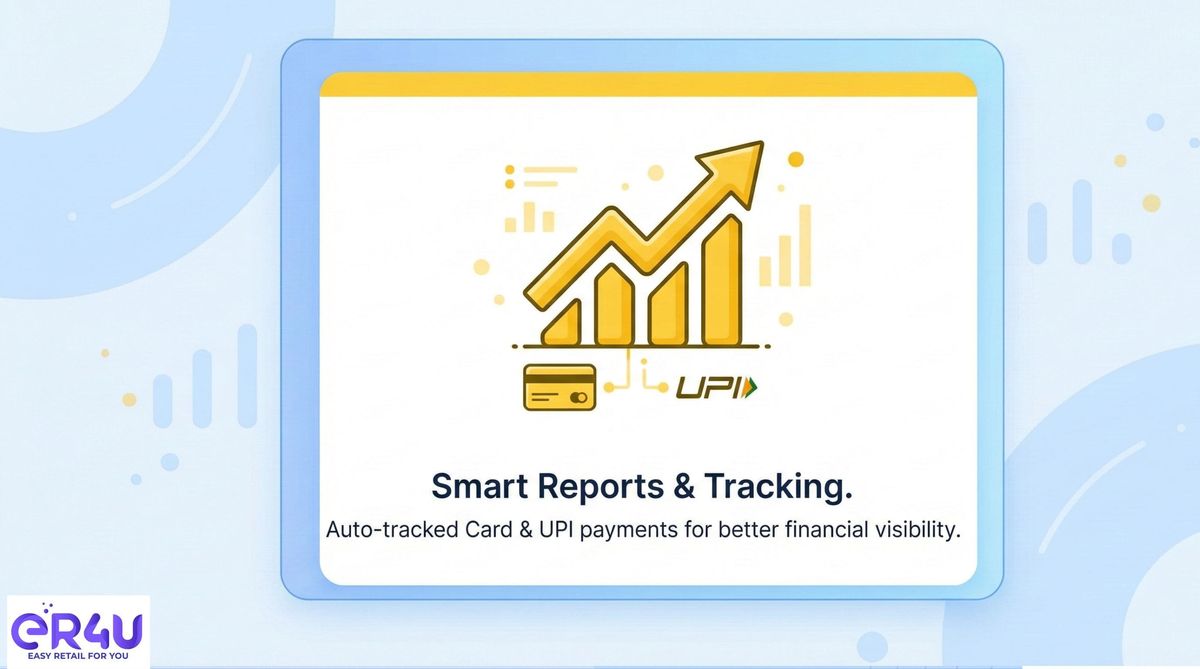
Smart reports for Card & UPI payments
Track and analyze all digital payments directly from ERP.
- Card vs UPI tracking
- Auto-synced payment data
- Clear audit trail
- Better financial visibility
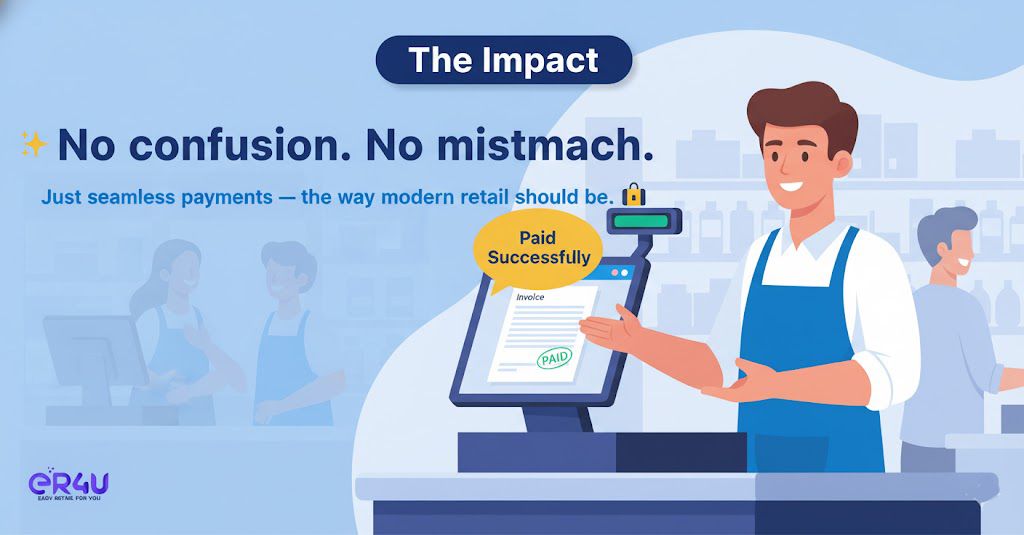
Faster, professional checkout experience
Modern billing flow that improves customer trust and speed.
- Reduced checkout time
- No confusion at counter
- Professional retail experience
- Higher customer satisfaction
How It Works
A simple, automated flow from billing to payment confirmation.
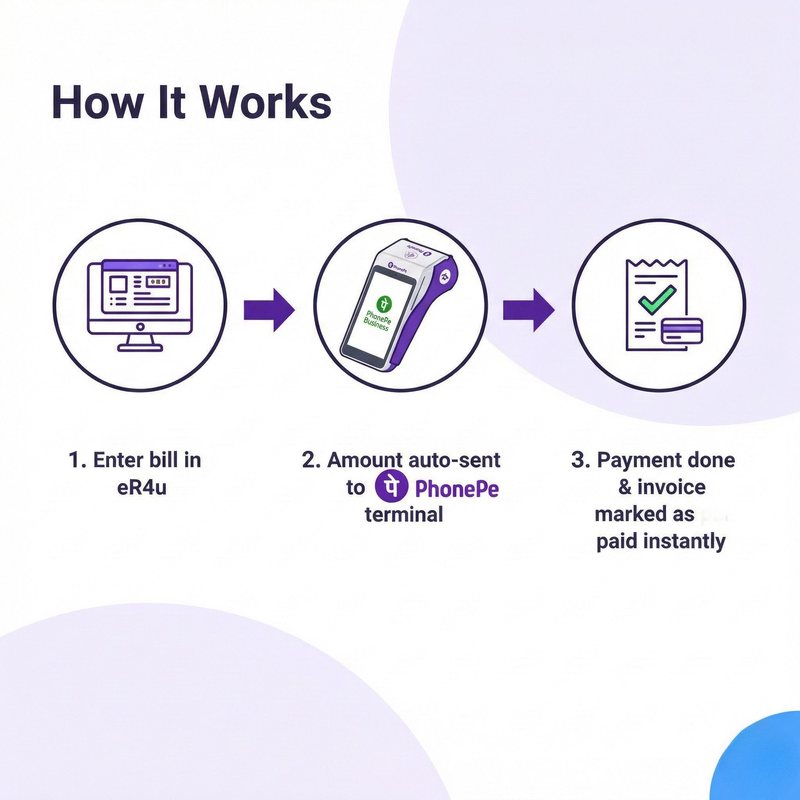
From bill entry to payment—fully synchronized
- Enter bill amount once in eR4u ERP
- Amount auto-sent to PhonePe EDC machine
- Customer completes card or UPI payment
- Payment status syncs instantly to ERP
- Invoice automatically marked as paid
Why choose eR4u PhonePe integration?
No manual errors
Exact bill-to-payment sync every time.
Faster checkout
Reduce queues and speed up billing.
Secure & reliable
Trusted PhonePe payment infrastructure.
Frequently asked questions
Do I need to enter amount on the swipe machine?
No. The bill amount is automatically sent from eR4u ERP to the PhonePe terminal.
Does it support both Card and UPI?
Yes. All supported PhonePe payment modes work seamlessly.
Will the invoice update automatically after payment?
Yes. Once payment is successful, the invoice is instantly marked as paid.
Is this suitable for high-volume counters?
Absolutely. It is designed to speed up billing and reduce errors during peak hours.
How long does setup take?
Setup is quick once PhonePe EDC compatibility is confirmed.
Have more questions?
Our retail experts are ready to help.